
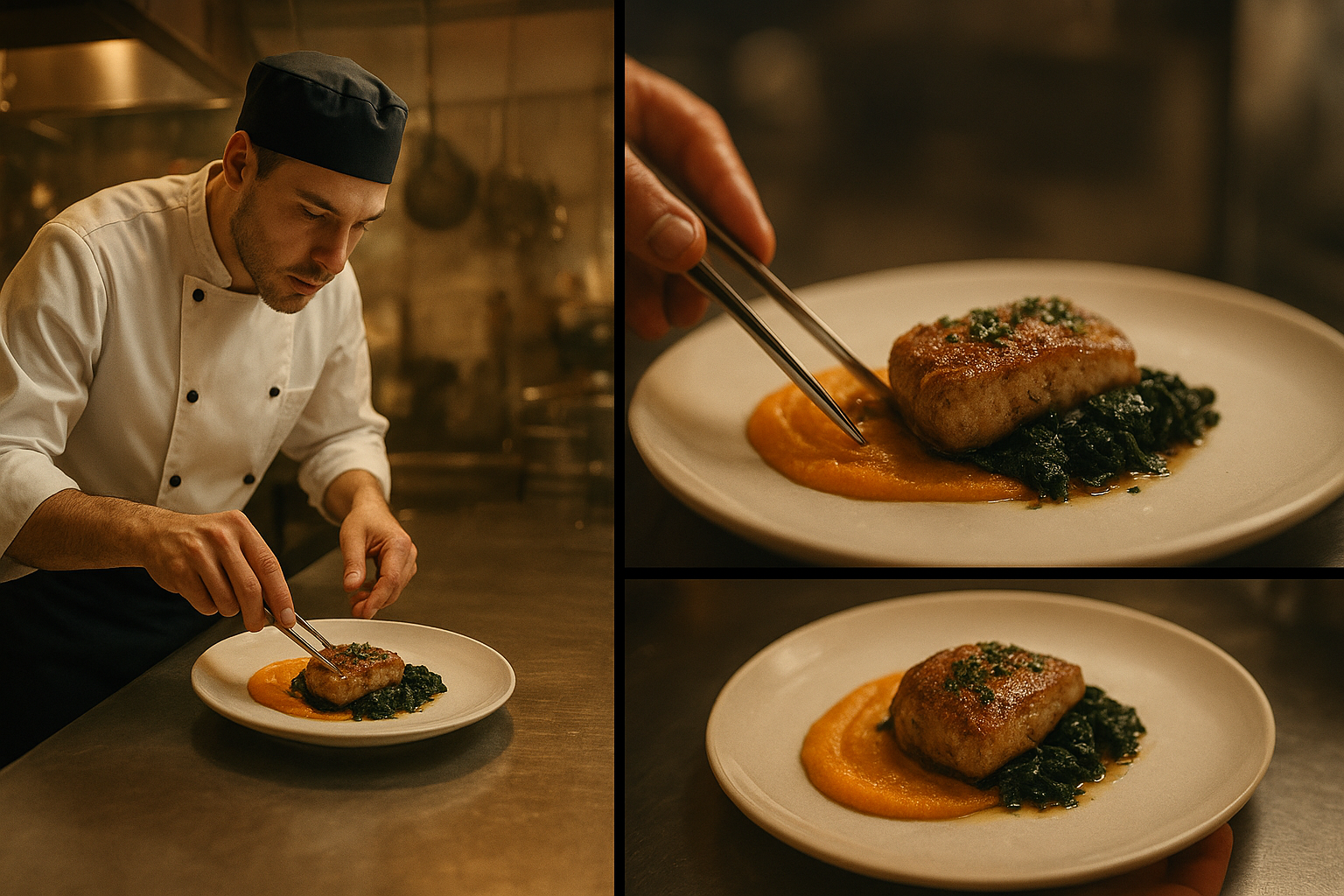
Seedance 1.0 was built around narrative video generation. Strong outputs come from sequence clarity, not adjective-heavy prompts.
For Seedance 1.0, write prompts as scene units with explicit transitions.
Seedance 1.0 Prompt Pattern
Scene 1: [setting + subject + action]
Transition: [cut/fade/match movement]
Scene 2: [new framing + action continuation]
Visual style: [cinematic/anime/etc.]
Motion quality target: [smooth, energetic, restrained]
Best Practices
- Label scenes explicitly (Scene 1, Scene 2, Scene 3).
- Use continuity phrases like "same character" and "same location" when needed.
- Keep the camera intent simple per scene.
Example Prompt
"Scene 1: A young chef in a bright test kitchen chops herbs at a steel counter, medium shot. Transition: cut on hand movement. Scene 2: Same chef plates pasta in close-up, steam visible. Transition: slow pull-back. Scene 3: Wide reveal of completed dish on table. Cinematic commercial style, warm highlights, smooth pacing."
Sources
Use Seedance 1.0 in Splice
Open Splice and storyboard your Scene 1/2/3 prompts before generation.
